FAQ
Everything you
need to know
Have questions? We've got the answers! Here, you'll find clear and concise information about our services, process, and what to expect when working with us. If you need more details, feel free to reach out!
Which operating systems / client setups are supported?
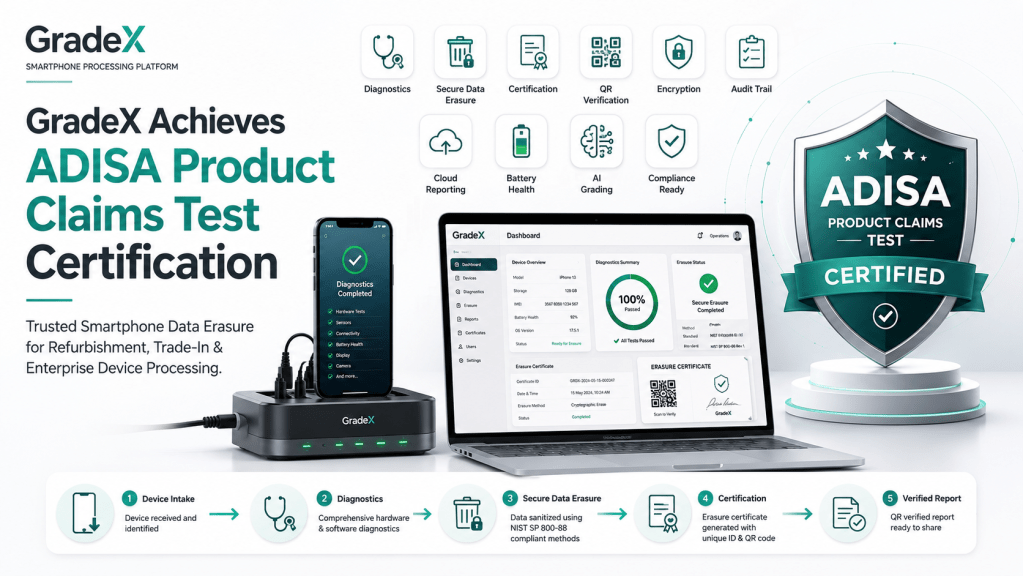
GradeX supports Windows machines for dock setups; these Windows clients facilitate device diagnostics, activation, and wipe operations. iOS and Android devices are both fully supported.
How does Low-touch diagnostics installation work on iOS / Android?
Using GradeX's supervised mode, our agent installs and configures diagnostics behind the scenes—no UI taps or user involvement required in most supported environments.
What happens when a device is locked (iCloud / activation lock / finance lock)?
GradeX will detect the lock during IMEI validation. If auto workflows cannot proceed, a technician can override, tag the device status, and submit context-aware diagnostics manually.
How are audit logs and certificates protected from tampering?
All logs are append-only and cryptographically linked. Certificates include QR codes that external parties can scan to validate the integrity of the record.
Can I integrate GradeX data with my own inventory / ERP?
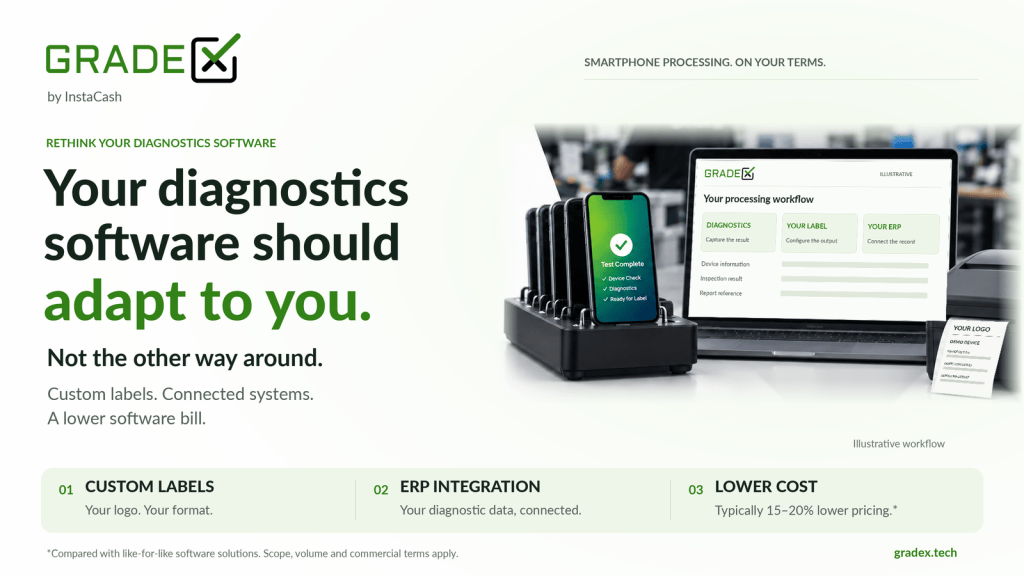
Yes — GradeX Central supports REST APIs and optionally webhooks to push diagnostic data, status events, and certificate exports into your systems.
Is label printing required?
Label printing and lot tagging are optional features, provided to help tracking across desks and bins as needed.
What are the next steps after submitting the onboarding form?
We'll reach out with tailored questions, schedule a walkthrough or pilot, and collaborate to set up your environment. You'll see real data early.

Let's talk about GradeX